Your aura as an image
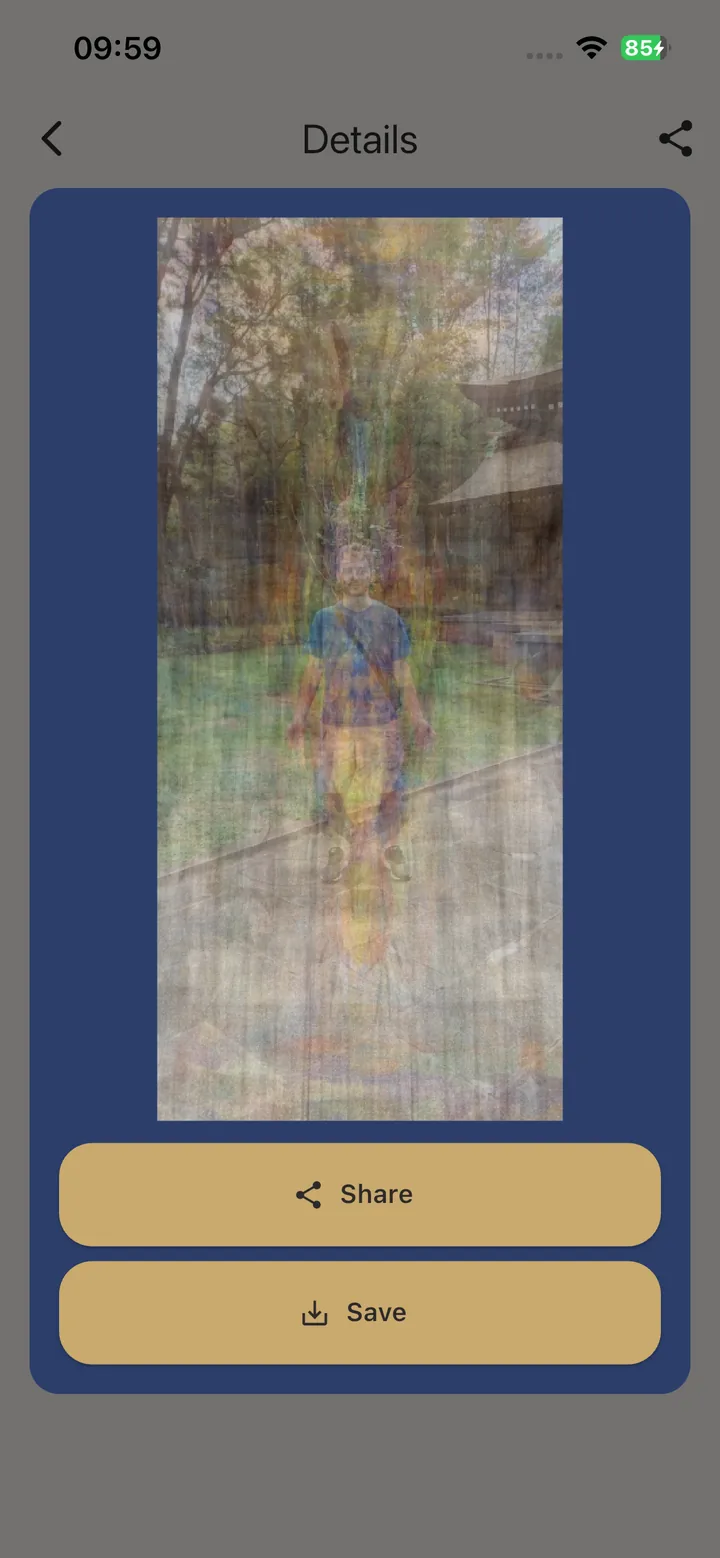
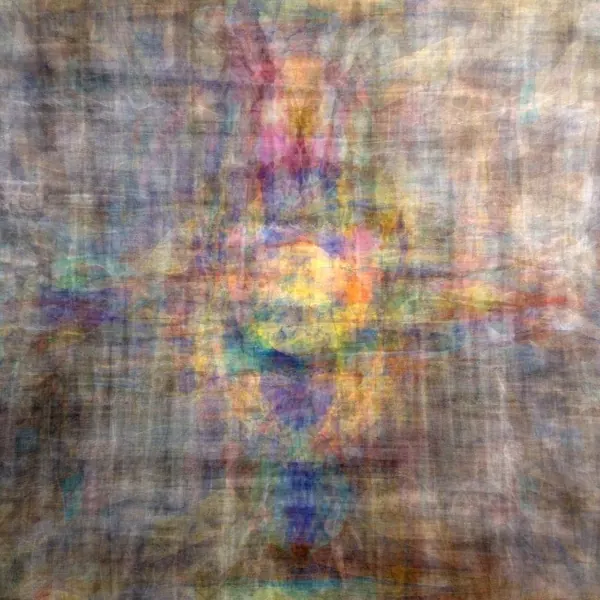
A full-body rendering of the energy field around you, in the colours of that moment. Save it to your gallery and share it whenever you like.
Aura camera for Android
Aura144 turns one full-body photo into an image of your aura — and reads what it shows about your emotional, mental and spiritual state.
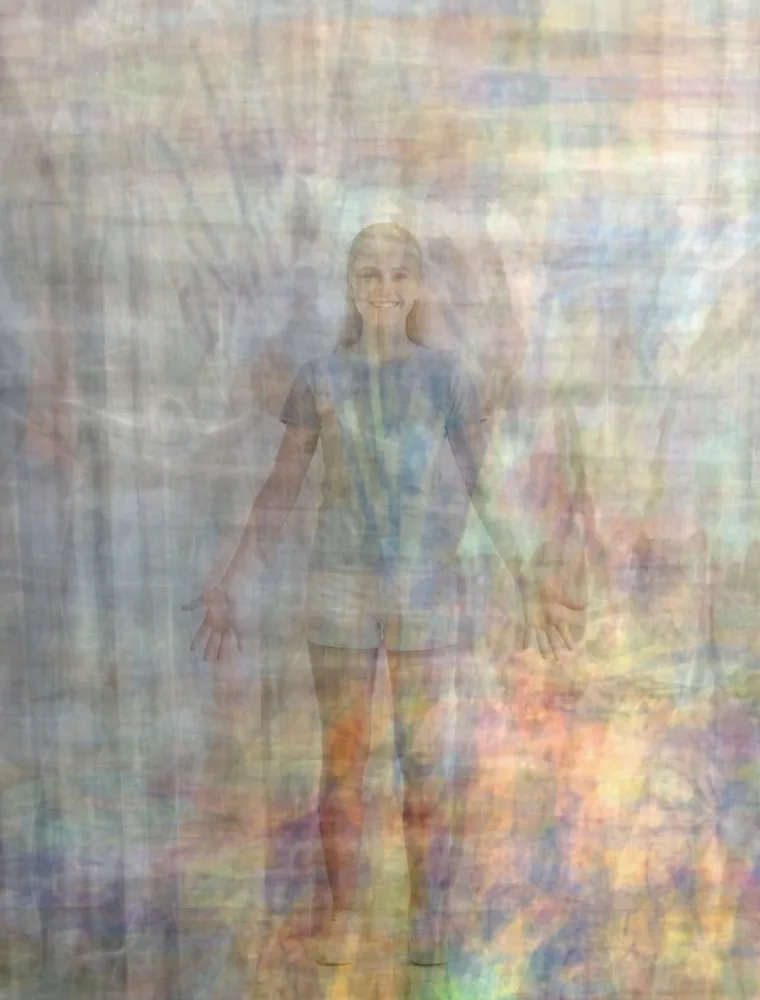
Aura image created with Aura144Illustrative example
The transformation
Drag the handle. Aura144 reads the energy field around your body and renders it as colour.
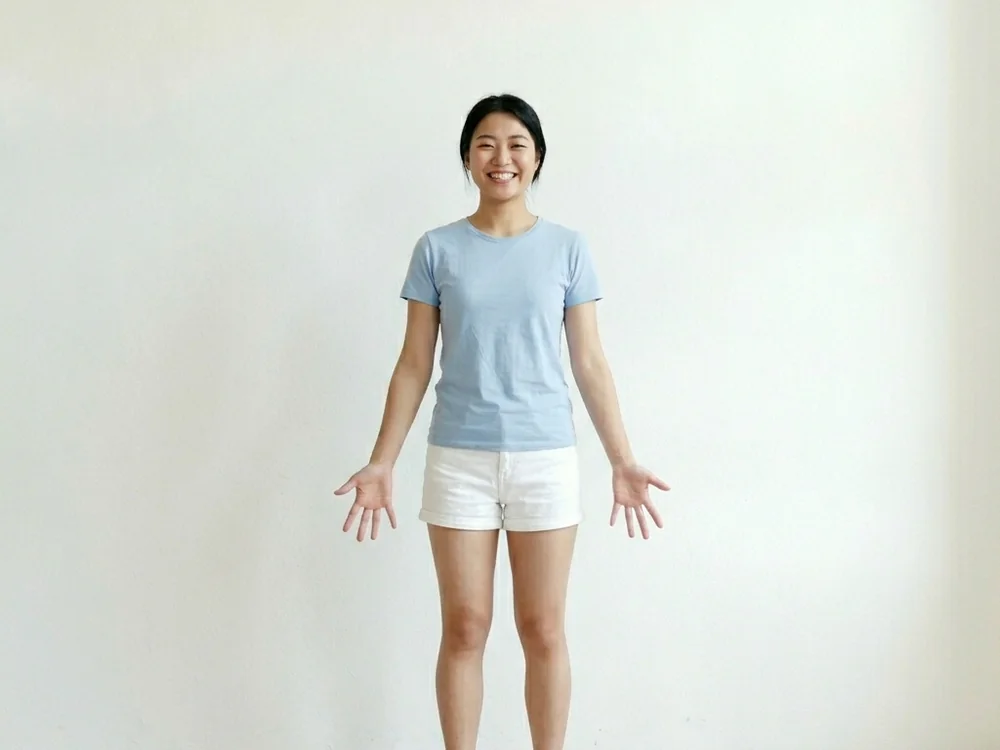
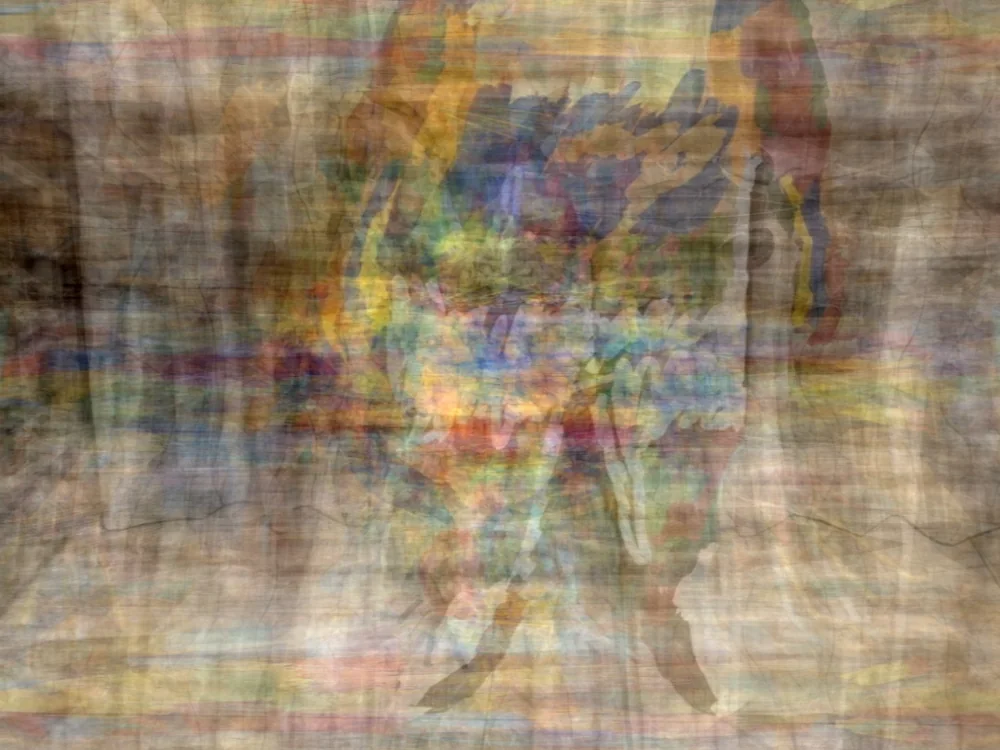
Illustrative example. Your own image will show your own colours.
Built with an aura expert
“The aura is the energy field around the body. Its colours reflect your emotions, your mind and your spirit.”
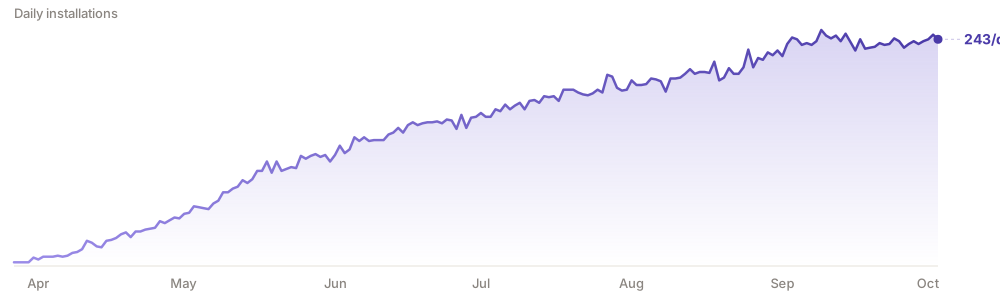
Real usage
How it works
Ten readings across four areas — yourself, your relationships, your family, and a quick daily aura. Each one tells you whether it needs one photo or several.
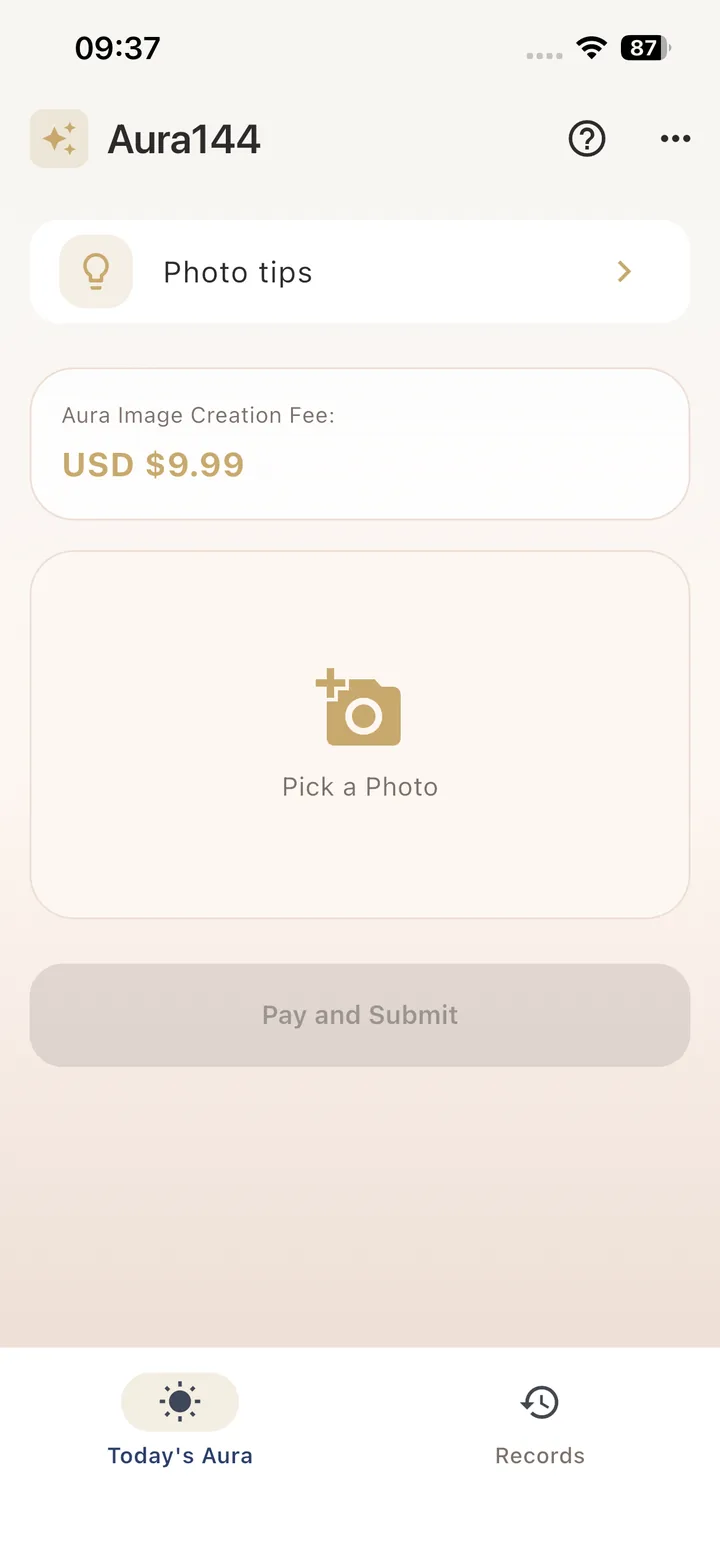
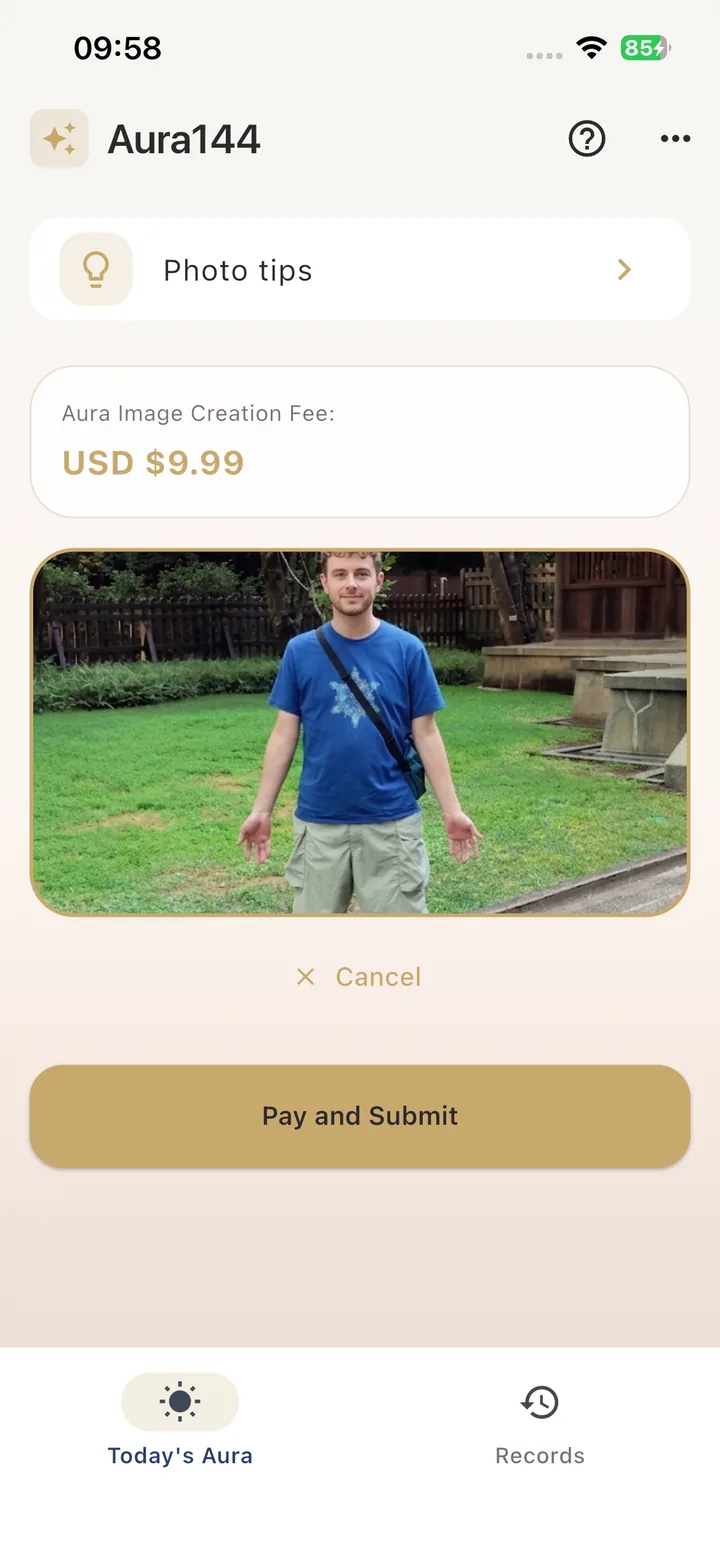
Stand facing the camera, arms open with palms forward, against a plain light background. The in-app guide shows the exact framing so your photo passes the check.
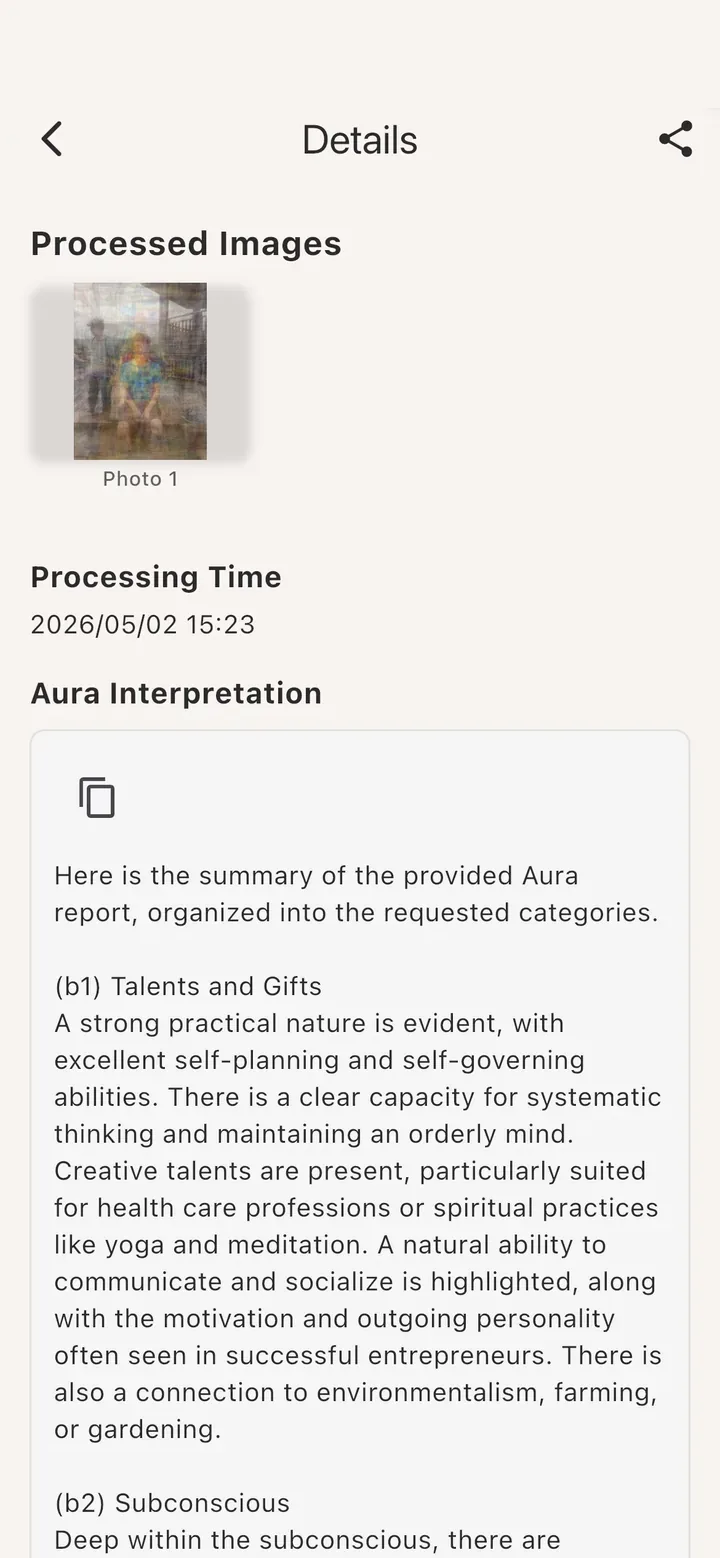
Your aura image arrives with a written interpretation. Save it, share it, and add a private note so you can look back on how you were doing.
What you get
A full-body rendering of the energy field around you, in the colours of that moment. Save it to your gallery and share it whenever you like.
Not just colours. Aura144 explains what it sees across the emotional, mental and spiritual layers, in plain language you can actually reflect on.
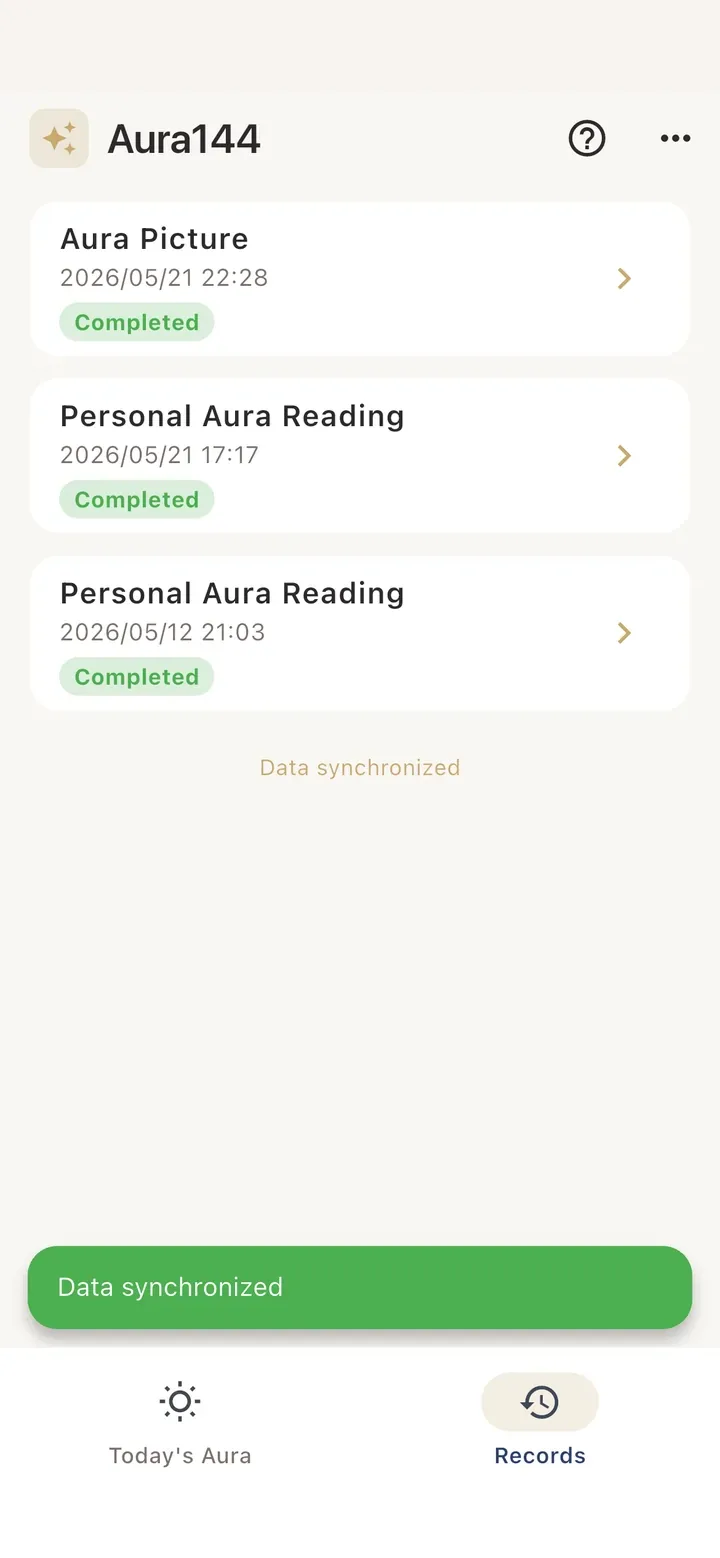
Every reading is kept in your records. Add a note about what was going on in your life, and over time you build a record of your own inner weather.
Ten readings
The core reading: what your aura shows about you right now.
Where your energy is naturally strong, and where it drains.
What you are carrying emotionally, and why it shows.
Two auras side by side: where you flow together and where you clash.
Read the whole household together, or a single parent and child.
One photo, one reading — a quick look at the energy you are carrying today.
Aura144 is free to download. Each reading is unlocked individually inside the app, and the price is shown on screen before you pay — nothing is charged automatically.
Who uses it
Sometimes you know something is off but cannot name it. Colours are easier to look at than feelings, and the written reading gives you words for what the image shows.
Upload two photos and read both auras together: with a partner, a spouse, a parent, a child or a colleague. Useful when a relationship feels stuck and nobody can say why.
Healers, tarot readers, yoga and meditation teachers use Aura144 with clients as a starting point — a visual to open the conversation, plus a written reading to hand over.
Share it
Save your aura image to your gallery, or share it straight to Instagram, WhatsApp or anywhere else. Colours say more than a selfie — which is why people post them.
Questions
A full-body colour photo of one person, standing and facing the camera with your arms open and palms facing forward. Leave about 30% empty space above your head and below your feet, keep your whole body in frame, and use a plain light-coloured background. Short sleeves and shorts work best. The app includes a shooting guide and checks your photo before you pay — if it does not pass, you are told to upload a better one rather than being charged for a bad reading.
Your photo is uploaded to our server, used to produce your aura image and reading, and then deleted. We do not keep your portrait photos and we do not use them to train anything. You can read the details in our privacy policy.
A filter applies a fixed effect to every picture. Aura144 reads the energy field around the body in your photo and renders the colours it finds, then explains them in a written reading. It was developed with Judith Collins, who has worked with the human aura for decades — the interpretation follows that tradition, not a preset.
Judith Collins is an Australian aura teacher and one of the best-known authorities on the human aura. She is the aura advisor to Aura144 and worked with us on how the app reads and explains colour. You can read more about her at yourhumanaura.com.
No. You need an Android phone and a photo of yourself. No aura camera, no sensors, no studio, nothing to buy. That is the whole point — this is the reading people used to have to travel and pay for.
Aura144 is free to download. Each reading is unlocked individually inside the app, and the fee is shown on screen before you confirm — so you always know what you are paying for. Nothing is charged automatically.
To keep the service fair, there is a short cooldown between readings from the same device or network. If you see a message asking you to wait, it usually clears within a couple of minutes.
Not at the moment. Aura144 is an Android app, available on Google Play. An iPhone version is not currently planned.
Download Aura144, take one photo the way the guide shows you, and see what your aura looks like today.